
Animation Planning
Planning Animations Before You Code
The best animations start on paper. We’ll walk through storyboarding techniques, timing documentation, and how to communicate animation intent to developers effectively.
Why Planning Matters
Here’s the thing — jumping straight into code is tempting. You see the design, think you know how it should move, and start writing keyframes. But that’s where problems creep in. Timing feels off. Interactions seem clunky. Developers spend hours trying to decode your intent from commented-out CSS.
The professionals do it differently. They plan first. Sketch second. Code last. It’s not slower — it’s actually faster because you’re solving problems on paper where they’re cheap to fix, not in production where they’re expensive. We’ve trained hundreds of designers at agencies across Hong Kong, and the ones who invest 30 minutes in planning save 3 hours in development and iteration.
The Storyboard Approach
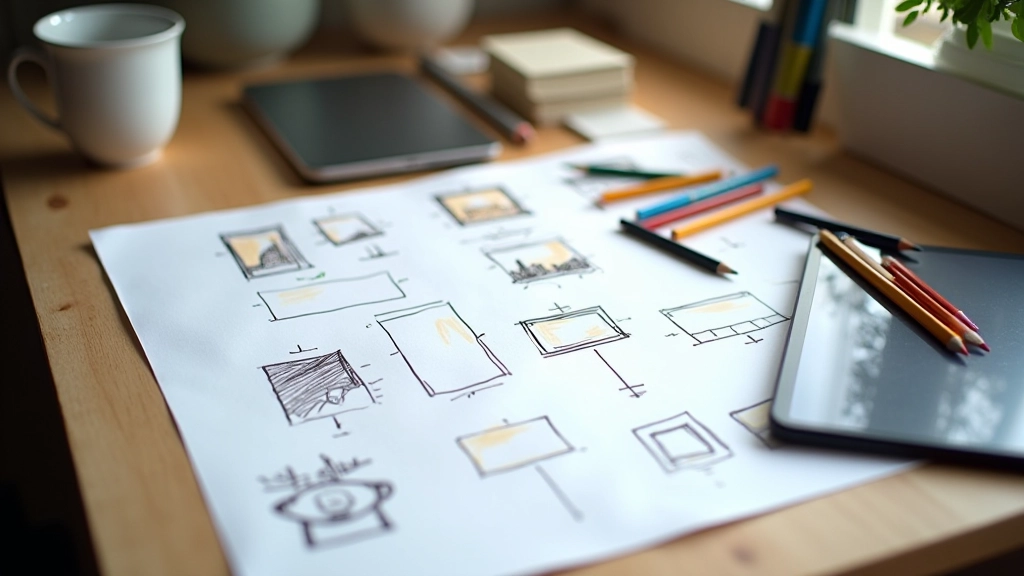
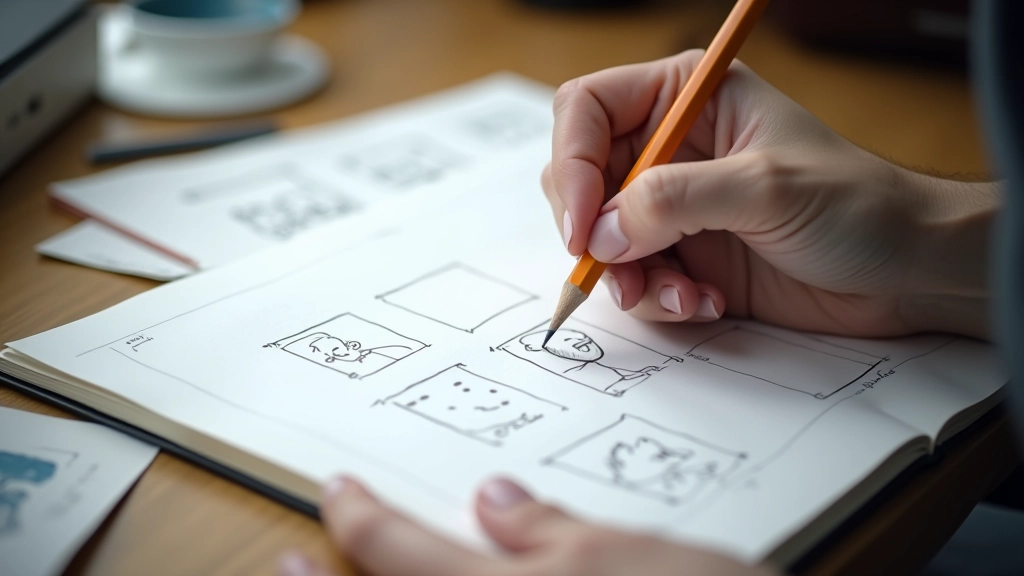
Storyboarding isn’t just for filmmakers. It’s a design tool. You’re drawing the animation in key frames — like a comic strip of motion. Start simple: draw 4-6 frames showing the beginning state, middle states, and end state.
What you’re really doing is making decisions visible. Should the button scale up or slide in? Should the transition be snappy (200ms) or leisurely (800ms)? Does the element bounce or ease smoothly? These questions become obvious when you’re sketching them out. On paper, you can try three different approaches in 10 minutes. In code, that takes an hour.
Pro tip:
Use a light pencil first. You’ll erase and redraw constantly as you refine the motion. It’s faster than starting in Figma for this phase.
Documenting Duration & Easing
Once you’ve sketched the motion, you need numbers. How long does it take? What easing function creates the feel you want? This is where your planning becomes technical.
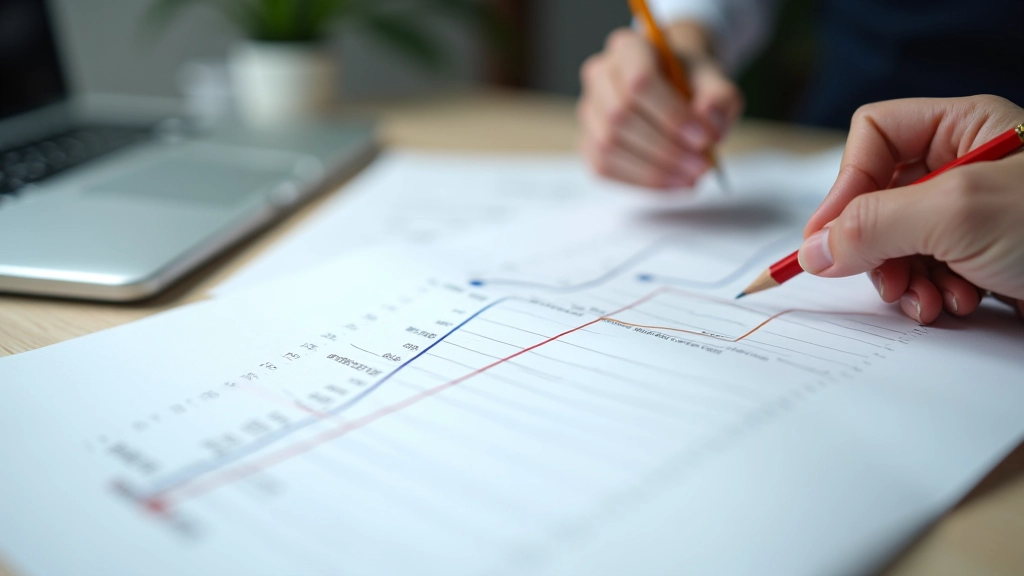
Create a simple table. Three columns: element, duration, easing. A fade-in on the hero text? 600ms with ease-out. The button scale? 300ms with ease-in-out. The background color shift? 800ms with linear. Developers don’t have to guess. They don’t have to ask “how fast should this be?” — you’ve already decided.
- Fast interactions (user feedback): 150-300ms
- Medium transitions (section changes): 400-700ms
- Slower entrance effects (hero animations): 800-1200ms
Educational Note:
This guide covers design and planning methodology for web animations. Animation implementation varies based on project requirements, browser support, and performance constraints. Always test animations across devices and consult with your development team regarding technical feasibility and optimization strategies.
Communicating Intent to Developers
Here’s where planning pays real dividends. When you hand a developer a storyboard plus a timing document plus a reference video, they don’t need to interpret vague descriptions. They can see exactly what you’re trying to achieve.
Include a reference. Find an animation on Dribbble or CodePen that matches the feel you want. “Like this — but with our button” is infinitely clearer than “smooth and elegant.” The developer sees the reference, understands the intent, and can implement with confidence. Questions disappear. Revisions become minimal.
Tools You Actually Need
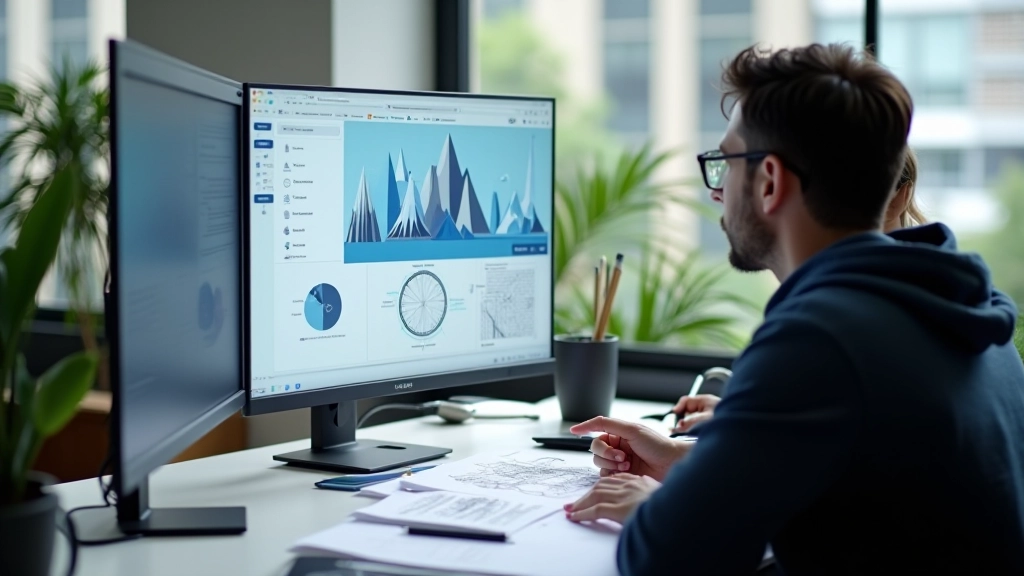
You don’t need fancy software. Start basic. A notebook and pencil for sketching. A spreadsheet for timing. That’s it. If you want to prototype, Figma has animation plugins now. Protopie lets you build interactive prototypes. But honestly? Many of the best animation plans we’ve seen came from paper and handwritten notes.
Paper & Pencil
Fastest way to iterate on motion ideas. No learning curve. Erase and try again in seconds.
Spreadsheet
Document timing, easing, and technical specs. Google Sheets works perfectly. Developers love clarity.
Reference Video
Screen record your prototype or find similar animations online. One video explains more than paragraphs of text.
Planning Is Part of Design
Animation planning isn’t extra work. It’s part of the design process, just like wireframing or color selection. When you plan before coding, you’re not adding time — you’re redistributing it. Thirty minutes of planning saves hours of back-and-forth and revision cycles.
The animations that feel premium don’t happen by accident. They’re intentional. They’re planned. They’re documented. Start with paper. Sketch the motion. Write down the numbers. Show the developer a reference. That’s the process that works. We’ve seen it transform how teams collaborate and how animations turn out. You’ll see it too.

Explore More Topics
Micro-Interactions That Feel Natural
Read Article