
Design Motion That Matters
MotionStudio HK Limited teaches animation and micro-interaction design to web professionals in Causeway Bay. We’re focused on creating interfaces that feel alive and respond to users in meaningful ways. Since 2019, we’ve trained designers who now work across Hong Kong’s top digital agencies.
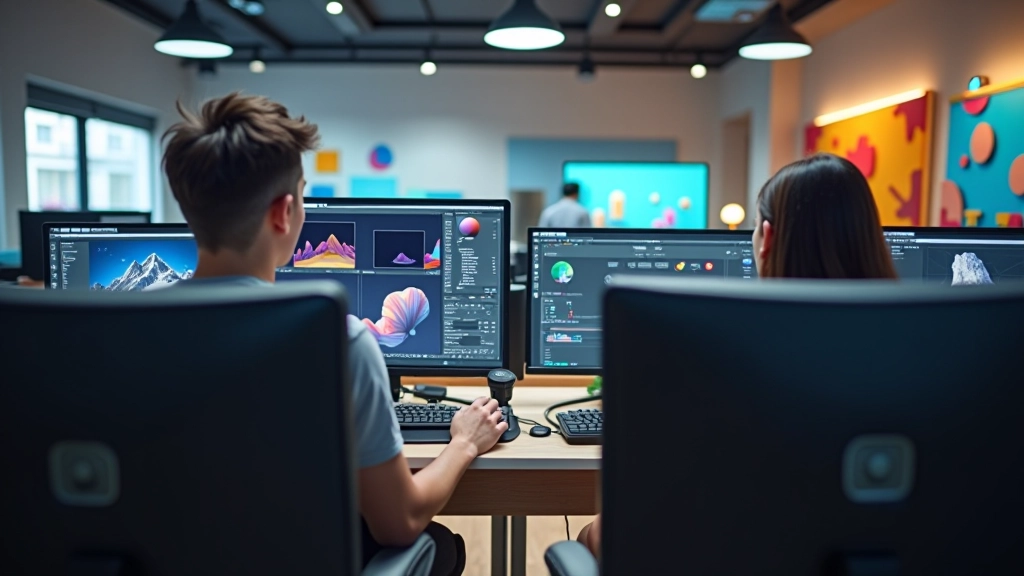
How MotionStudio HK Limited Started
We didn’t set out to run a training center. Three of us were working in different agencies, frustrated that clients wanted animations and interactions but designers weren’t equipped to deliver them properly. Animation was treated as an afterthought, not part of the design process. So we started teaching weekend workshops in 2019, just to fix the problem we were seeing in our own work.
From Agencies to Teaching
Our team came from digital agencies across Causeway Bay and beyond. We’ve shipped real projects — ecommerce platforms, financial apps, brand websites. That experience directly shapes what we teach. You’re learning from people who’ve actually dealt with client revisions, browser compatibility, and animation performance problems.
What We Saw Was Missing
Most design education focuses on static layouts. Animation gets a chapter at the end, if it’s covered at all. But modern web design isn’t about screens anymore — it’s about movement, transitions, and how interfaces respond to interaction. We’ve built our curriculum around that reality.
Why Causeway Bay Matters
Causeway Bay’s the hub for Hong Kong’s digital industry. Being here means our students connect directly with the agencies hiring them. It’s not abstract learning — you’re studying in the same neighborhood where you’ll likely work. Plus, you’ll recognize the problems we discuss from actual projects happening nearby.
How We Teach
Animation isn’t magic. It’s craft. We’ve broken down the skill into learnable components so you can build animations that feel natural, perform well, and solve real design problems.
Principles First
We start with the fundamentals — timing, easing, spacing, anticipation. These aren’t CSS tricks. They’re the language animators have used for decades. Understanding principles means you won’t just copy tutorials. You’ll be able to create original animations that feel right.
Tools and Implementation
We teach CSS animations, JavaScript libraries, and when to use each. But tools change — principles don’t. So we focus on decision-making. Should this animation be CSS or JavaScript? Does this micro-interaction need a library or can we build it from scratch? These questions matter more than syntax.
Real Projects, Real Constraints
You’ll work through actual scenarios. Animating form interactions that feel responsive. Loading states that don’t annoy users. Navigation transitions that guide attention. We bring in case studies from our agency work so you’re solving problems that actually exist.
Performance and Polish
Animation that looks beautiful but freezes the browser is worse than no animation. We’ll teach you to measure performance, optimize rendering, and debug when things slow down. By the end, you’ll create animations that work smoothly on real devices.
What You’ll Develop
We’re not teaching you to be animators. We’re teaching you to be better designers. Animation and micro-interaction design are tools for solving specific problems — guiding users, providing feedback, creating delight. Here’s what you’ll be capable of after training with MotionStudio HK Limited.
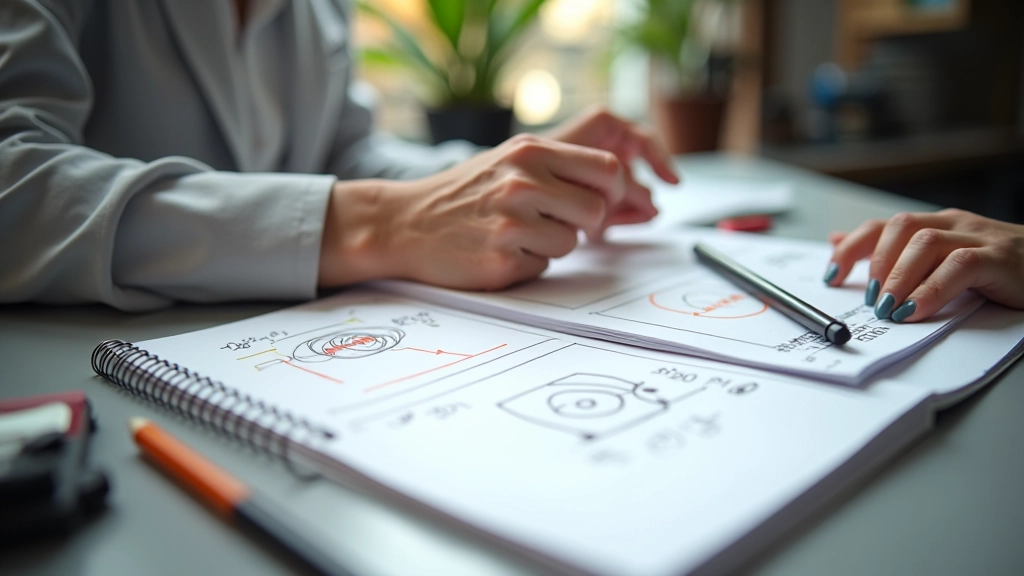
Micro-Interactions
Small animations that make interfaces feel responsive. Button hover states, form validation feedback, menu transitions. They’re subtle but they’re everywhere in good design.
Transition Design
How elements move between states. Page transitions, layout changes, modal entrances. Well-designed transitions guide the eye and make complex interfaces easier to follow.
Easing and Timing
The invisible craft. How animations accelerate, decelerate, and feel natural. The difference between jerky and smooth. The difference between cheap and professional.
CSS and JavaScript
Implementation skills. CSS animations and transitions for straightforward cases. JavaScript and libraries when you need more control. You’ll know when to use each approach.
Performance Optimization
Beautiful animations that work on real phones. GPU acceleration, frame rate optimization, battery impact. You’ll create motion that doesn’t drain devices.
Design Thinking
When to animate and when not to. How animation solves problems. The strategy behind motion design, not just the execution.
What Makes MotionStudio HK Limited Different
We’re not a platform. You’re not learning from prerecorded videos by someone you’ll never meet. You’re working directly with practicing designers who’ve shipped hundreds of projects. We’ve built our approach around what we actually do in agency work — which means you’re learning the skills that matter right now in Causeway Bay’s digital industry. We’ve kept class sizes small intentionally. We want to know your work, give real feedback, and help you develop your own voice as a designer. It’s not a factory production line. It’s apprenticeship.

Important Information
The training programs offered by MotionStudio HK Limited are designed to provide valuable knowledge and practical skills in animation and micro-interaction design. Individual learning outcomes depend on many factors including personal dedication, prior design experience, practice frequency, and application of concepts learned. Success stories and student work samples represent individual experiences and may not reflect typical results. We encourage all participants to actively engage with course materials, practice regularly, and apply learning to real projects. Completion of our courses does not guarantee employment or specific career outcomes. For specific questions about program content, duration, or curriculum details, please contact us directly.